
Google reviews for multi location business in2027
Learn how to manage Google reviews across multiple business locations using branch-specific QR codes, counter stands, staff workflows, and review analytics to grow customer feedback.

Managing reviews for a single shop is straightforward, but keeping track of dozens of outlets while your branch managers juggle customers is a different story. If you run a regional restaurant chain or a growing retail brand, you know that a new customer checks Google Maps before walking into any of your branches.
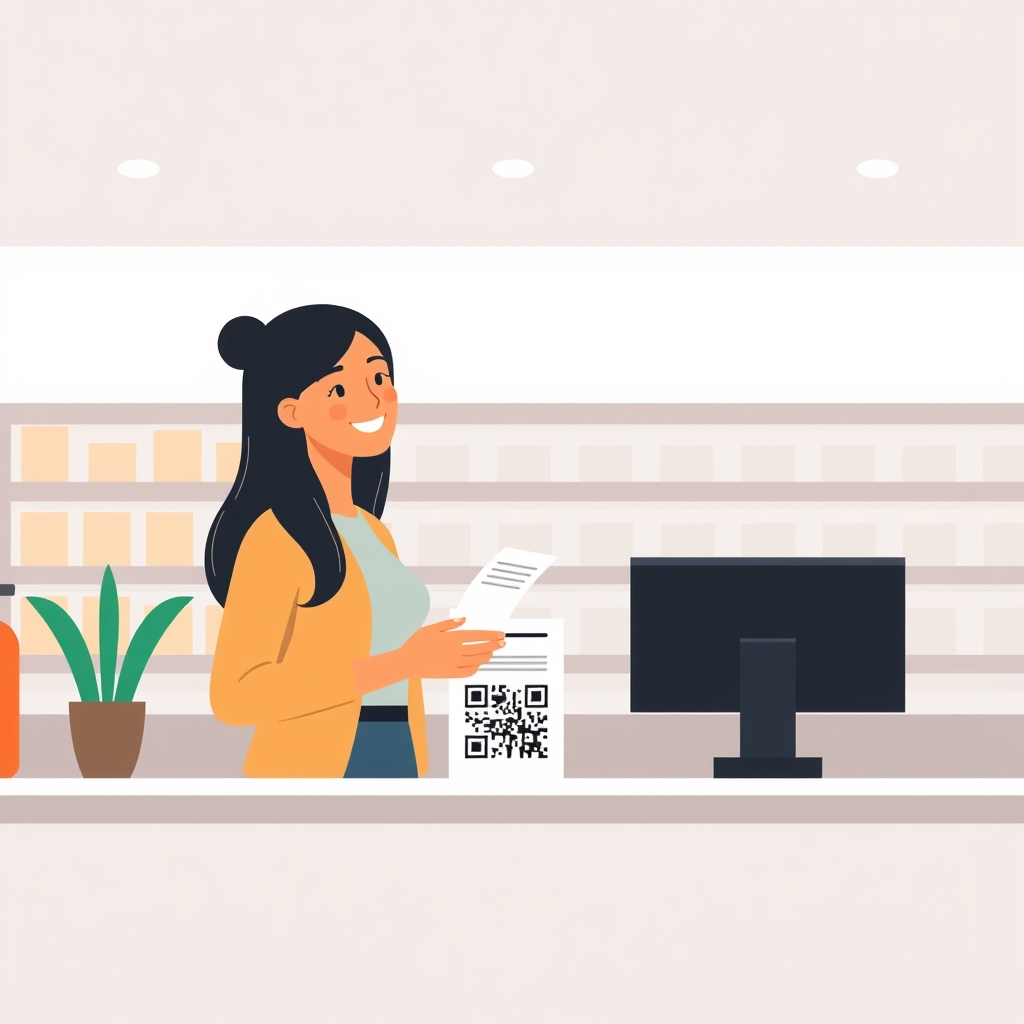
Short answer: To get more Google reviews across a multi-location business, centralise the setup of individual review links and QR codes, but leave the execution entirely to the counter staff at each outlet using physical stands.
That's the easy part. The part most marketing and operations heads skip is making it effortless for the person standing at the cash register during a busy lunch rush. If a process takes more than a few seconds, it simply will not happen.
Why multi-outlet review strategies fail#
When a brand grows from one store to five, ten, or fifty, standard marketing playbooks break down. You cannot email customers three days after they visit a physical retail counter because you rarely capture their contact details at checkout.

Centralised marketing teams often try to run email campaigns or SMS blasts that feel distant and get ignored. Meanwhile, the customer is standing right at the counter, happy with their service, and walking out the door without leaving feedback.
Another common mistake is treating every branch the same. A clinic in a residential suburb operates differently from a busy food court outlet in a downtown mall. The staff at each branch need a system that fits their exact pace.
The three pillars of multi-outlet review collection#
Getting consistent reviews across multiple branches requires splitting responsibilities between your central office and your floor staff.
| Who | Responsibility | What they actually do |
|---|---|---|
| Central team | Setup and standardisation | Create individual Google review links and order QR stands for every branch. |
| Outlet manager | Placement and oversight | Ensure the QR stand sits cleanly on the counter where every customer sees it. |
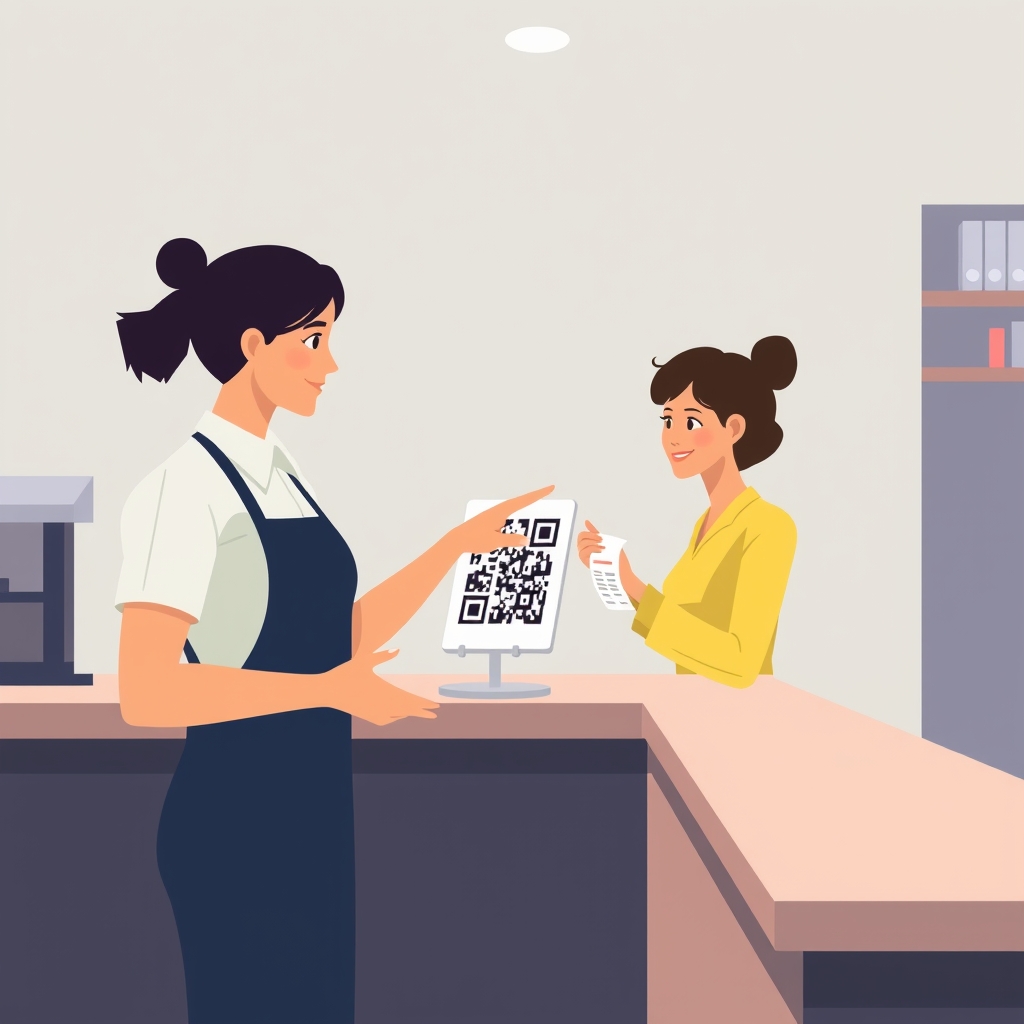
| Counter staff | Awareness | Point customers to the code naturally while handing over a bill or receipt. |
How to roll out QR stands across every branch#
Physical placement dictates your success. If the QR code is tucked away on a wall or hidden behind a menu holder, nobody will scan it.
Open your Google Business Profile for each individual location and copy its exact review link. Never use a single link for all branches, as customers must land directly on the specific outlet's review box.
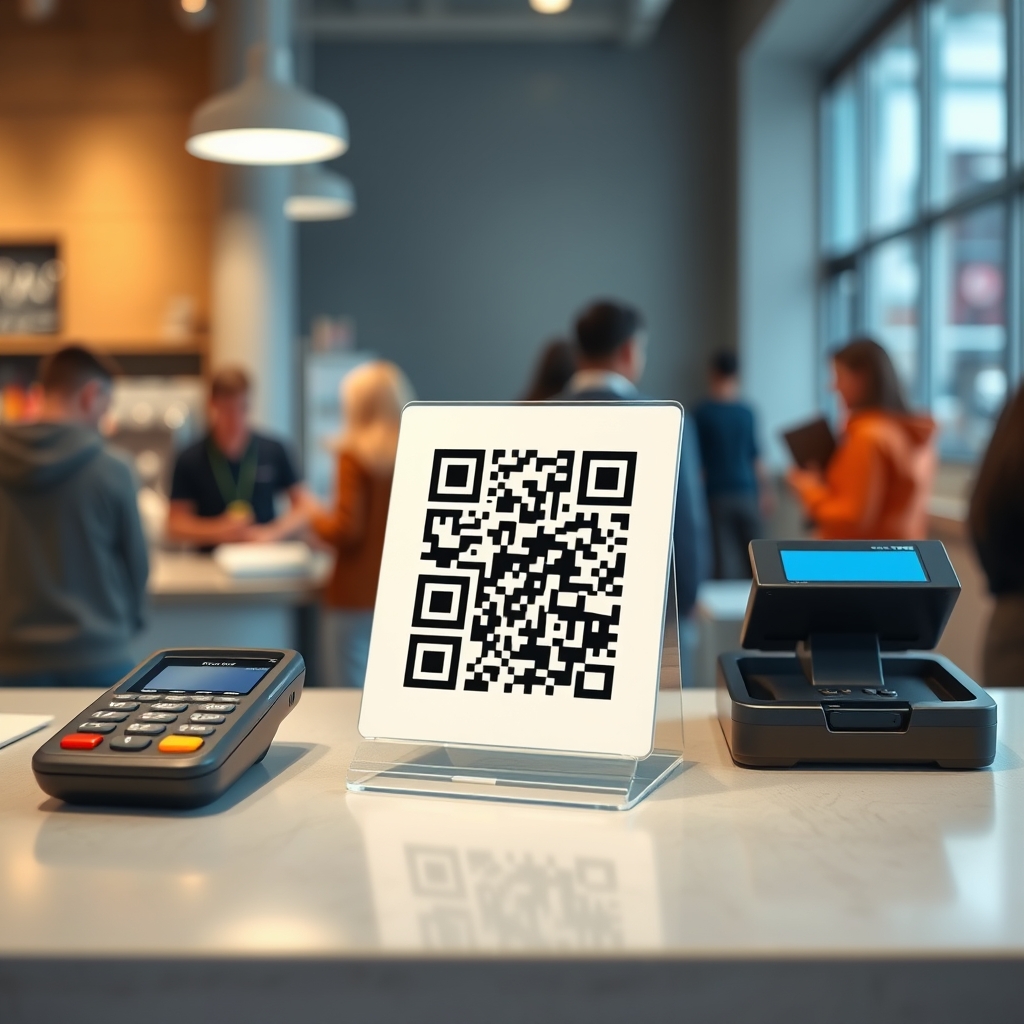
Print a unique QR code for each store or use physical counter stands. We make the Sqanny Stand specifically for this counter-top placement, giving customers a quick way to scan, tap a few answers, and generate a short draft in English or Hinglish without staring at a blank screen.
Ship these stands to your outlet managers with clear instructions on where the stand goes. The ideal spot is right next to the card machine or the cash tray where customers naturally pause before leaving.
Keeping branch managers accountable#
Operations managers do not have time to chase store staff for marketing metrics. You need a lightweight reporting rhythm that takes minutes, not hours.
Review your total review count and average rating across all locations once a week. Compare branches that have high scan counts with those that lag behind.
When a lagging branch figures out a good habit, share it on your internal WhatsApp groups. A quick 30-second screen recording or a photo of a well-placed counter stand sent by a peer travels much faster than a long operations manual.
Frequently asked questions#
Do I need a separate Google review link for each branch?#
Yes. Every physical location has its own Google Business Profile, which means it needs its own unique review link so feedback goes to the correct map listing.
How do I train counter staff without disrupting operations?#
Keep training minimal. Tell your staff to point out the counter stand and say something simple like, "If you loved your visit today, you can leave us a quick note right here."
Can we manage multiple locations from one dashboard?#
Central tools help you manage links and track scans across branches, but every review itself is published directly by the customer on that specific Google listing.
What if a branch gets a negative review?#
Use the scan analytics to spot service issues early, and reply to every review calmly to show future customers that you pay attention to feedback.
To get started with your multi-location review strategy, visit Sqanny and create your free review link today.
Was this useful?A like tells us to write more like it. No account needed.